# Staking dApp — 3. Reward
### Claim PERI by minted pUSD
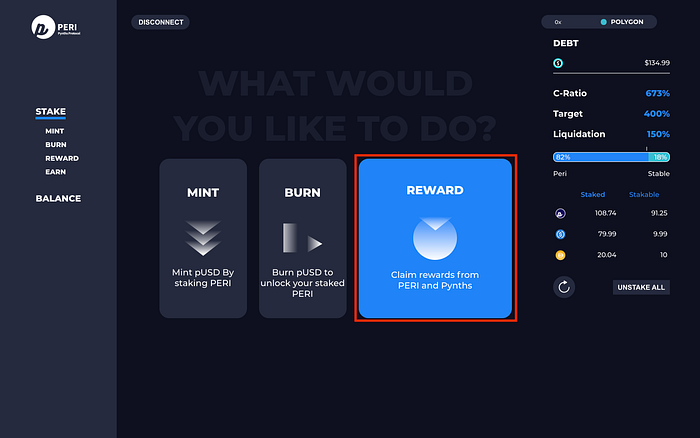
Step 1. Click ‘Reward’ on the main page.
Step 2. Check your reward amount on the ‘PERI’, and click ‘CLAIM’.
Step 3. Check the gas fee on the Metamask, and click ‘Confirm’.
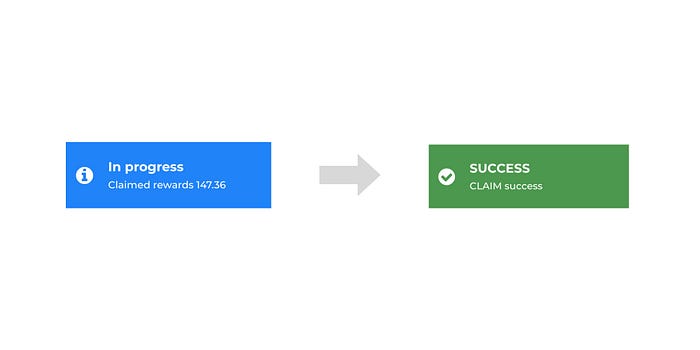
Step 4. Once the transaction is completed, you can see the alert on dApp and Metamask.
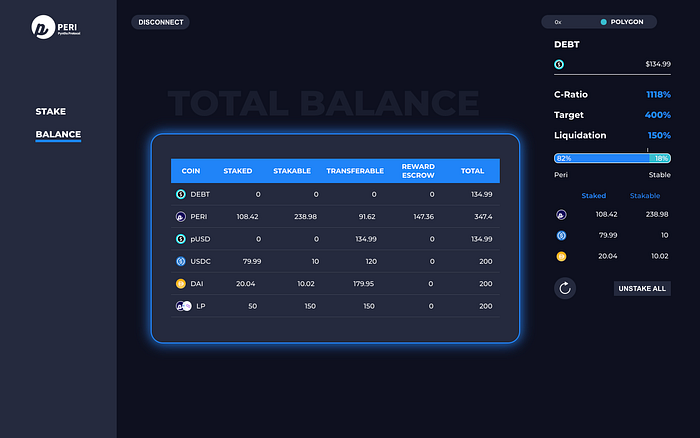
Step 4-1. You can check the claimed amounts on the ‘Balance’ — ‘Reward Escrow’ window.\
Note — Rewards are escrowed for 52 weeks from the claim approval.
### Claim PERI by minted LP tokens
Step 1. Click ‘Reward’ on the main page.
Step 2. Scroll down to LP reward, and check the reward amount of ‘PERI’ token. Click ‘Claim’.

Step 2–1. If users added LP on the PancakeSwap, you can see the LP reward window like this below.
Check the reward amount of ‘PERI’ token and click ‘Claim’.

Step 3. Review the gas fee on the Metamask, and click ‘Confirm’.

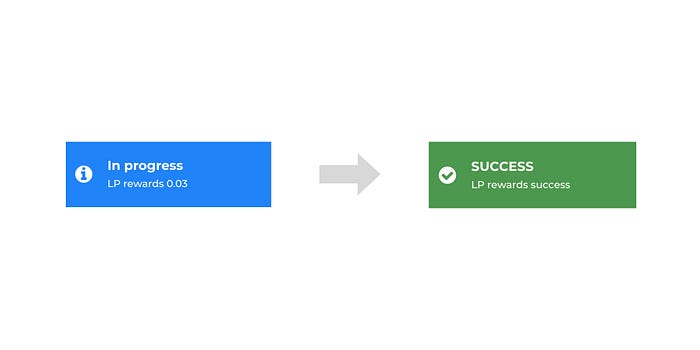
Step 4. Once the transaction is completed, you can see the alert on dApp and Metamask.
Step 4-1. You can check the claimed amounts on the ‘Balance’ window. LP rewards are added to the ‘Transferable’ amount, this means that users can transfer and trade rewarded PERI tokens immediately.
### **Notes**
* Claim schedule refreshes at every Saturday 00:00AM UTC. If you staked amount in weekdays, you can request claim from upcoming Saturday 00:00 UTC. Users should request their claim rewards on weekly basis.
* All staking rewards are given by PERI token, including users who have staked PERI, stablecoin, LP tokens.
---
# Agent Instructions: Querying This Documentation
If you need additional information that is not directly available in this page, you can query the documentation dynamically by asking a question.
Perform an HTTP GET request on the current page URL with the `ask` query parameter:
```
GET https://peri-finance.gitbook.io/perifinance/peri-finance-1/guides/stakingdapp_3_reward.md?ask=
```
The question should be specific, self-contained, and written in natural language.
The response will contain a direct answer to the question and relevant excerpts and sources from the documentation.
Use this mechanism when the answer is not explicitly present in the current page, you need clarification or additional context, or you want to retrieve related documentation sections.